If you are comparing DAC vs audio interface gear, the short answer is simple: a DAC improves digital playback, while an audio interface is built to record and monitor sound. The confusion starts because both devices convert digital audio to analog audio, often include a headphone output, and sometimes look almost identical on a desk. I have used both in studios and living rooms, and the right choice depends less on audiophile mythology than on your signal path, inputs, outputs, and actual listening habits.
A DAC, or digital-to-analog converter, takes the ones and zeros from a computer, streamer, phone, or game console and turns them into an analog signal for headphones or speakers. An audio interface does that job too, but adds microphone preamps, instrument inputs, recording software connections, monitor controls, and low-latency monitoring. Think of a DAC as a playback specialist. Think of an interface as a compact front end for making music.
DAC vs audio interface: the practical difference
The most important difference in a DAC vs audio interface comparison is what happens before and after conversion. A basic DAC might accept USB, optical, or coaxial input and send analog output to an amplifier. A model such as the Topping E30 II, Schiit Modi+, or FiiO K11 is designed to receive finished digital audio and play it cleanly. Some include a capable headphone amplifier, but they do not let you plug in an XLR microphone and record a vocal.
An interface such as the Focusrite Scarlett 2i2, Audient iD4, MOTU M2, or Universal Audio Volt 2 is designed around two-way audio. It converts your microphone or guitar signal into digital audio for a computer, then converts computer playback back into analog sound. The Scarlett 2i2, for example, gives you microphone preamps, combo inputs, phantom power for condenser microphones, and direct monitoring. Those features are wasted if you only stream Spotify through headphones, but essential if you record a podcast, guitar, or vocal.
Both categories can measure very well. Modern budget DACs and interfaces commonly have noise and distortion low enough to disappear beneath normal listening conditions. That does not mean every product is equal. Output power, gain range, driver support, headphone impedance, and channel balance matter more than a vague promise of “musical” conversion.
Choose a DAC for focused listening
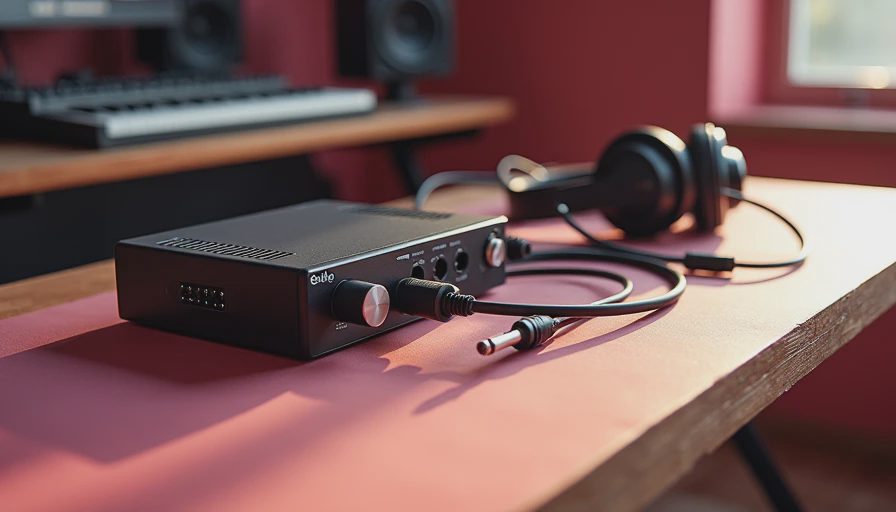
A dedicated DAC makes sense when your source already handles recording and you want cleaner, more flexible playback. A desktop headphone listener with a Windows laptop, high-impedance Beyerdynamic headphones, and powered speakers might choose a DAC with both a strong headphone amplifier and line outputs. A television listener could use an optical DAC to feed an older stereo amplifier. In these cases, adding microphone inputs would not improve the music.
This is where DAC vs audio interface advice often gets overcomplicated. If your laptop headphone jack is quiet, has no audible hiss, and drives your headphones to a comfortable level, a DAC may not create a dramatic upgrade. You might hear a change in maximum volume or output character, but the improvement can be subtle. A badly implemented computer output, ground noise, or an underpowered headphone amplifier is a more convincing reason to buy one.
For headphones, look at output power and output impedance. Sensitive in-ear monitors can reveal hiss from an otherwise respectable device, while 250-ohm headphones need more voltage to reach satisfying levels. A FiiO K11 or JDS Labs Atom DAC 2 paired with an appropriate amplifier can be a sensible $150 to $300 direction. Do not spend $1,000 on conversion while using a poor headphone seal or speakers placed against a wall. Room placement and headphones still dominate the result.
Choose an interface for recording and production
The case for an interface is straightforward if you need to connect a microphone, guitar, keyboard, or studio monitors. An audio interface supplies the preamp gain that a passive microphone needs, phantom power for many condenser microphones, and a USB connection that communicates with a digital audio workstation such as Reaper, Logic Pro, Ableton Live, or Pro Tools.
Latency is another major benefit. Direct monitoring routes an incoming vocal or instrument signal to your headphones before the computer processes it, so the performer does not hear an irritating delay. The MOTU M2 is popular because its front-panel meters make levels easy to watch. The Audient iD4 is attractive for a solo musician who wants a strong preamp and a convenient monitor knob. The Universal Audio Volt line adds features aimed at home recording, though its software bundle should not be the main reason you buy it.
In a DAC vs audio interface decision, interfaces also provide balanced line outputs for powered monitors. Balanced connections can reduce hum over longer cable runs, especially when a computer, monitor, and other equipment share power. They do not magically make a recording sound wider or more detailed; they simply help maintain a quieter, more reliable connection.
DAC vs audio interface for headphones, speakers, and gaming
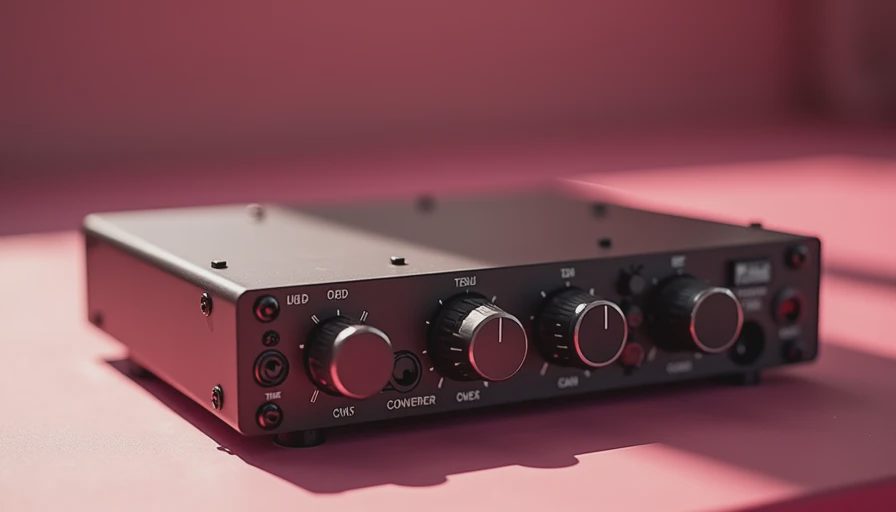
For a headphone-only desk, choose based on amplifier performance, convenience, and noise. A DAC with a volume control and a rear line output can feed powered speakers today while leaving room for a headphone amplifier later. If you switch between a microphone and headphones for gaming or streaming, an interface is usually more useful. It puts the mic gain, headphone output, and monitor volume within reach.
Gamers should also consider chat routing, microphone monitoring, and operating-system compatibility. A simple DAC can improve connectivity from a console or television, but it cannot replace the input routing and microphone control found on an interface. Streamers often benefit from an interface or dedicated USB mixer because balancing voice, game audio, and music is a workflow problem, not a conversion problem.
For powered speakers, either product can work. Check whether the outputs are appropriate for your amplifier, whether the device remembers volume after restart, and whether the computer recognizes it reliably. I would rather use a boring, well-measuring interface with stable drivers than a glamorous converter that disconnects twice a week.
What to buy at different budgets
Under $150, a reliable interface such as the Scarlett Solo or a compact DAC like the Schiit Modi+ can solve a specific problem without drama. The Solo suits one microphone or instrument; the Modi+ suits straightforward desktop playback. Around $200 to $350, the MOTU M2, Audient iD4, FiiO K11, and JDS Labs options offer stronger feature sets, depending on whether recording or headphone listening comes first.
Above $500, spend carefully. You can get excellent measured performance, better construction, more inputs, and useful routing, but you are not automatically buying more musical detail. A premium interface can earn its price in a working studio through dependable drivers, additional preamps, and monitor control. A premium DAC is harder to justify unless it solves a real connectivity or power requirement.
The cleanest buying process is to write down your sources, headphones, microphones, instruments, speakers, and required connections. Then identify the one limitation you are trying to fix. If the list contains a microphone, choose an interface. If it contains only digital playback and headphones, choose a DAC or headphone DAC amplifier. If both lists matter, an interface can handle playback, but a dedicated DAC may offer a better headphone-focused layout.
Final recommendation
The honest answer in a DAC vs audio interface comparison is that neither device is universally better. A DAC is the sensible tool for playback, while an interface is the practical tool for recording, monitoring, and flexible desktop production. Buy for the job, not for a reviewer’s dramatic description of “air” or “pace.” Check measurements, confirm output power and compatibility, then listen at matched volume. Trust your ears. But measure first.
This article contains affiliate links, which means I may earn a commission if you buy through one at no extra cost to you. Review units, when supplied by manufacturers, do not guarantee favorable coverage.


No notes yet — write the first one.